Why a plain call log isn't enough
The log shows who called, but it isn't always clear what was agreed and what to do next. The CRM in ProZvonki helps you save the outcome of the conversation and the next step.
CRM in the dialer
When you work with clients over the phone, a plain call log often isn't enough. In ProZvonki, client cards, comments, tasks, statuses and conversation history appear right next to your calls.
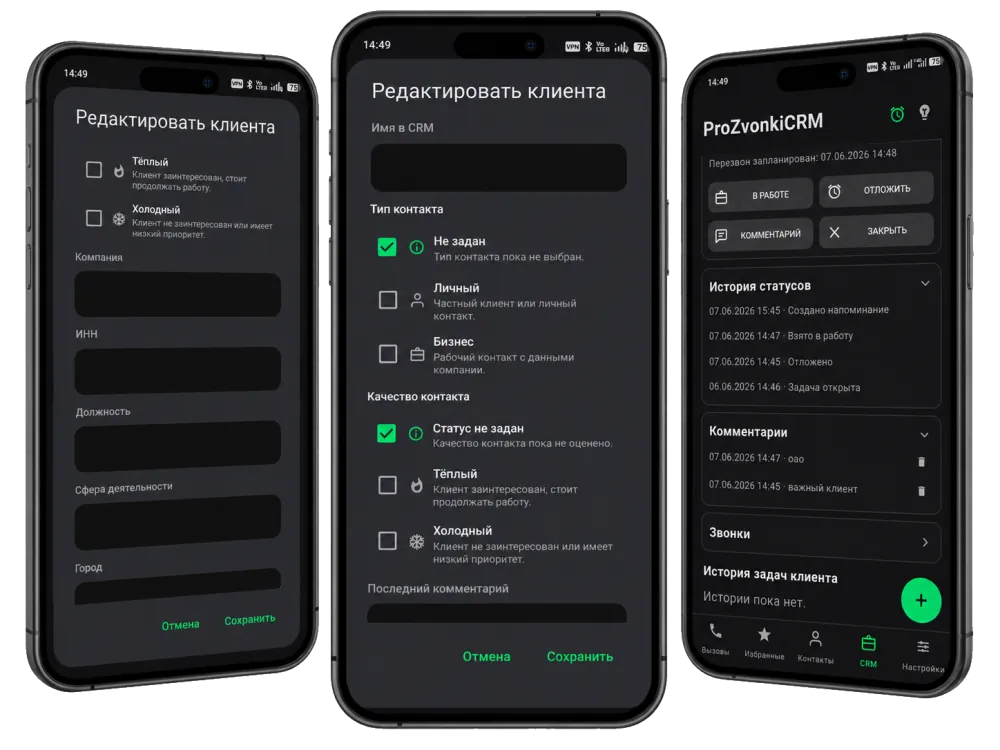
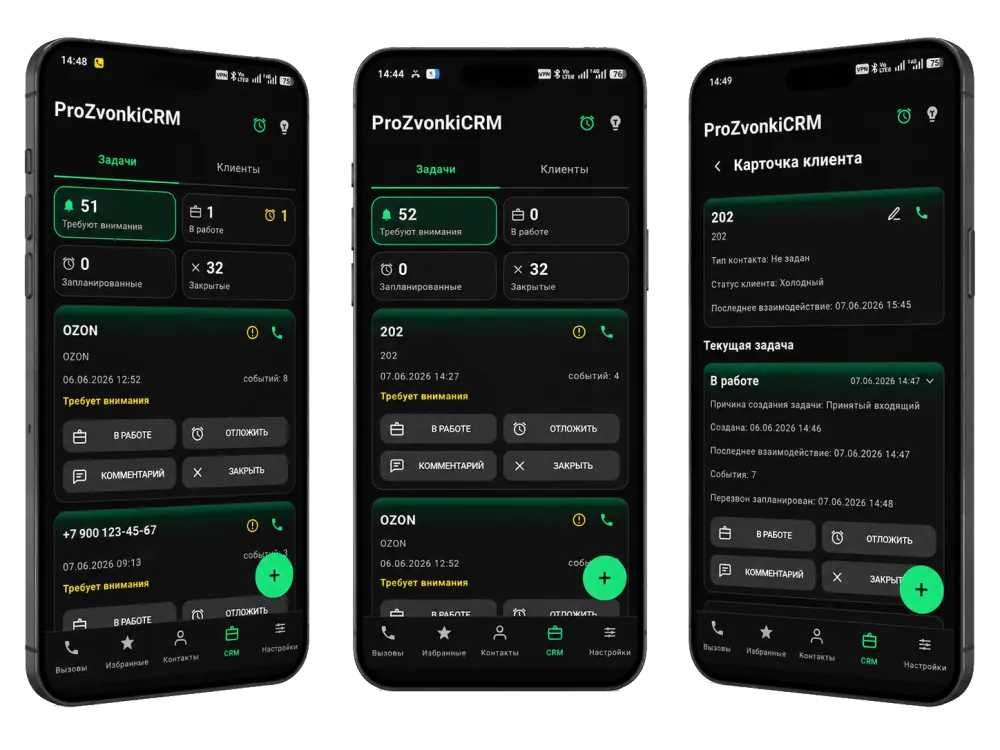
The log shows who called, but it isn't always clear what was agreed and what to do next. The CRM in ProZvonki helps you save the outcome of the conversation and the next step.
The client card links call history, tasks, comments and client details. It helps you quickly recall what happened before the current conversation.
After a call you can leave a comment and mark its importance. That way the outcome doesn't stay only in your memory and doesn't get lost among other calls.
If you need to call back, send information or return to a case later, the call becomes a task with a clear status.
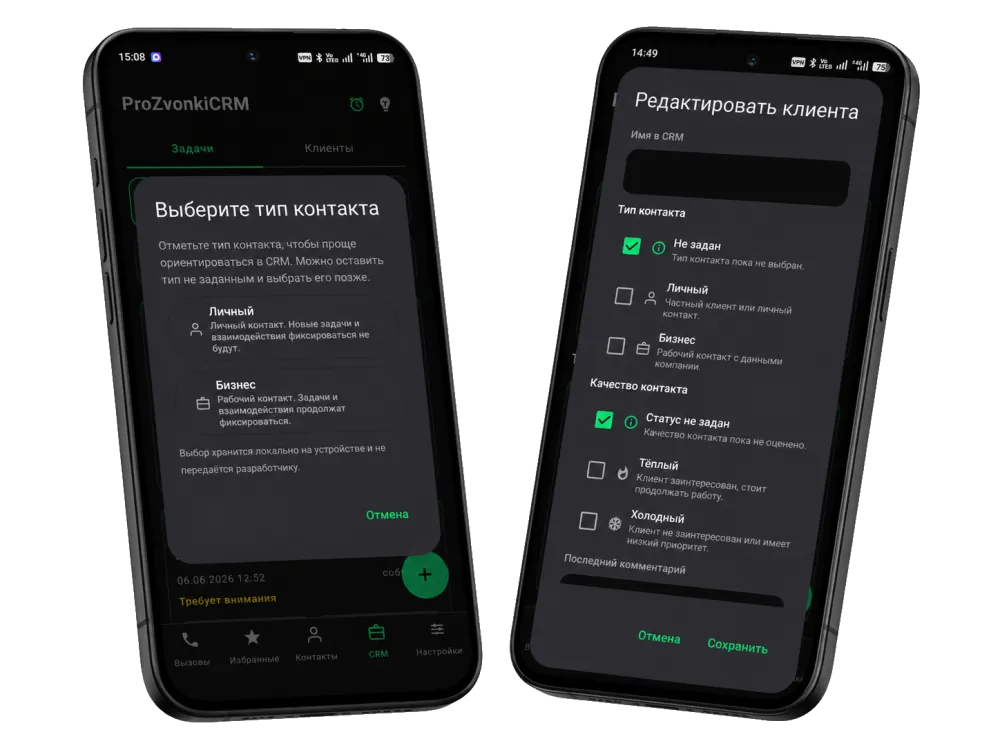
Personal and business contacts are shown separately. That matters when one app is used both for work and for ordinary personal calls.