
Call history with context
Incoming, outgoing and missed calls are gathered in one log together with the organization name, statuses and important missed calls. You immediately see which calls need a response, not just when they happened.
Call log
ProZvonki turns a plain list of calls into a log where you see not just the time of a call, but its context: who called, what you discussed and whether you need to call back. Comments, importance, tags, search and export keep your call history under control, and your data stays on the device.
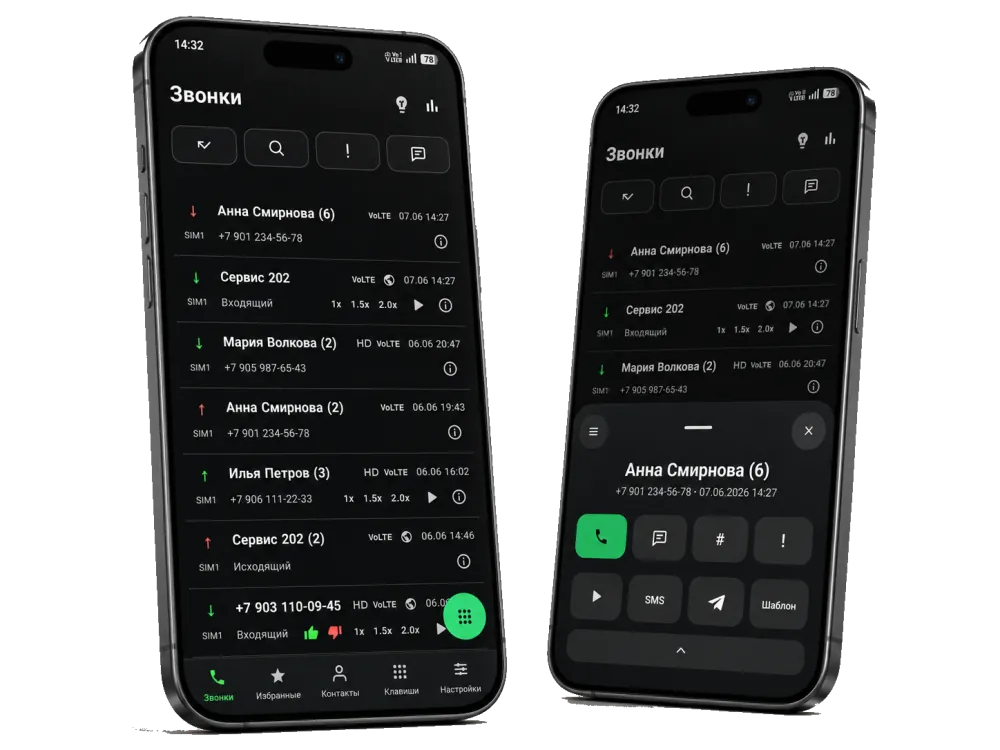
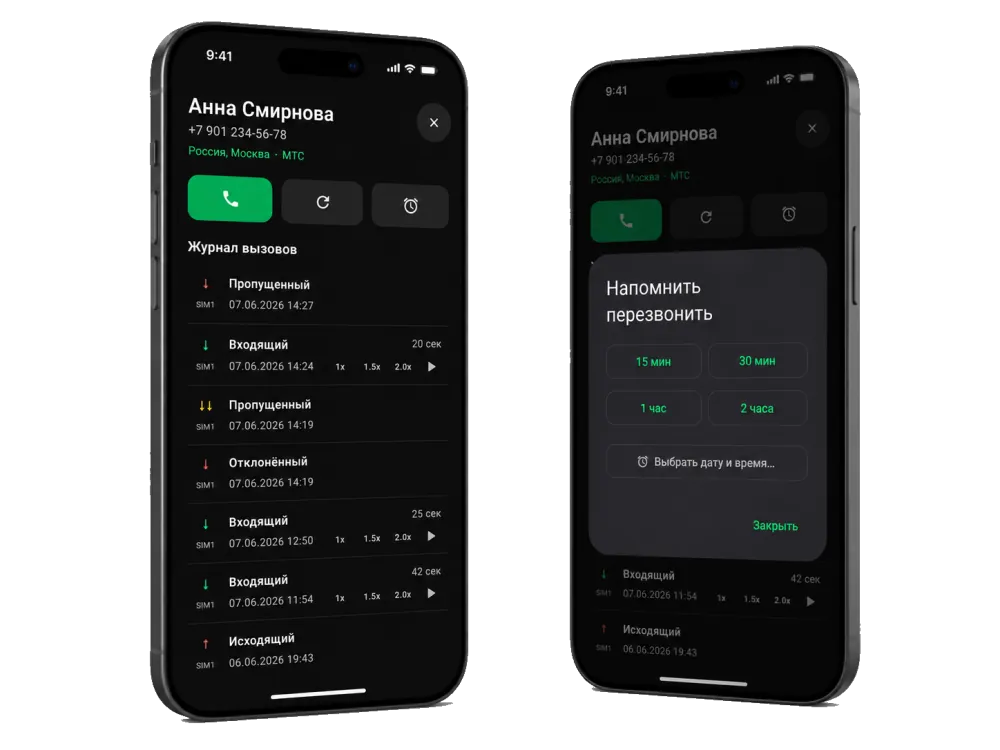
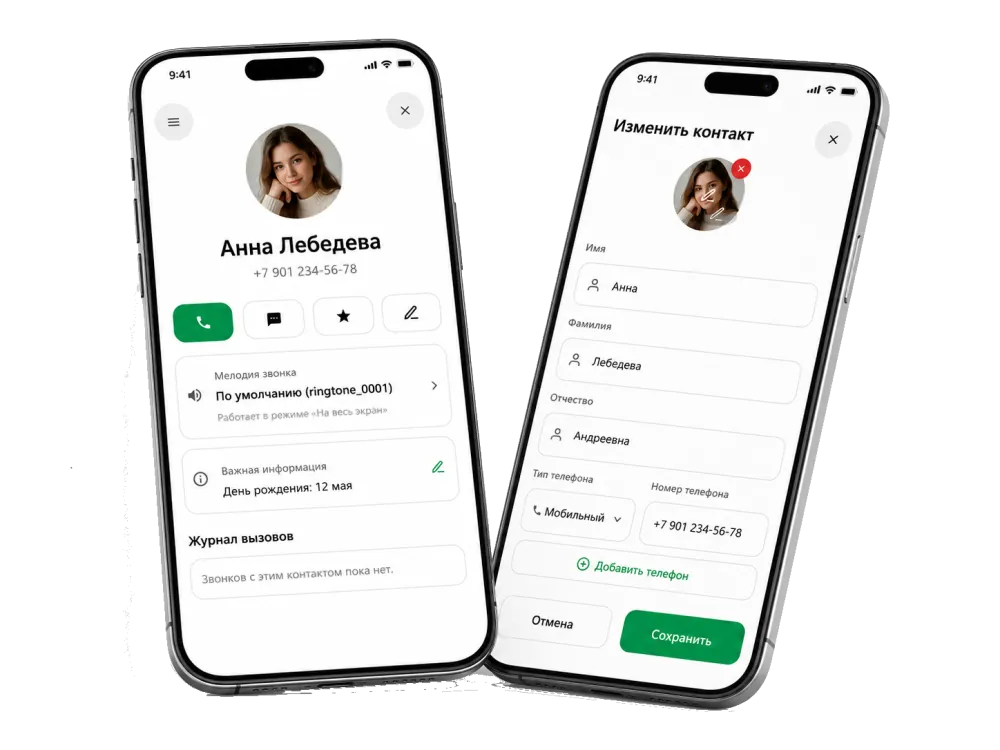
Incoming, outgoing and missed calls are gathered in one log together with the organization name, statuses and important missed calls. You immediately see which calls need a response, not just when they happened.
You can add a comment to any call, mark its importance and assign tags. The context of a conversation stays next to the call in the log and on the call card, so it is easy to come back to it later.
Based on the log you can build call reports and export data to XLSX and CSV. A backup of the log, tags and comments can be saved to a file, protected with a password and restored on another device — your data never goes to third-party servers.
FAQ
The log collects incoming, outgoing and missed calls together with context: the organization name, comments, importance, tags and statuses. You see not just when a call happened, but what needs to be done about it.
Yes. You can add a comment to any call, mark its importance and assign tags. This information stays next to the call in the log and on the call card.
Yes. You can search the log by number, name, status or tag and call back quickly right from the list or the call card.
Yes. Based on the log you can build reports and export data to XLSX and CSV — for calls, callbacks and activity. See the call reports page for details.
Yes. You can save a backup to a file and protect it with a password, then restore the log, tags and comments on another device.
The log, tags, comments and CRM data are stored on the device and are not sent to third-party servers.