
SIM selection for outgoing calls
Set the SIM that calls use by default so you do not have to pick it manually every time. And if you turn selection off, the app simply asks for the SIM on a call and suggests the last one used.
Dual SIM
If your phone has two SIM cards, ProZvonki helps you call from the right one. You can set the SIM for outgoing calls, enable smart selection by the last call with a contact, choose a work SIM for the CRM and filter the log by SIM. Personal and work calls no longer get mixed up.
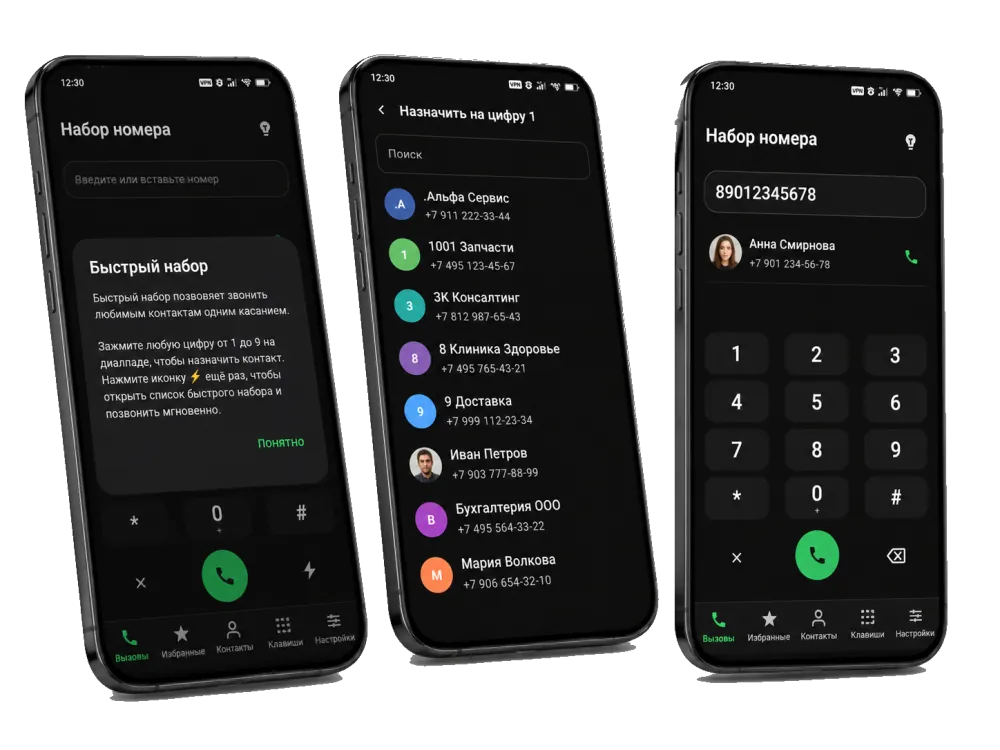
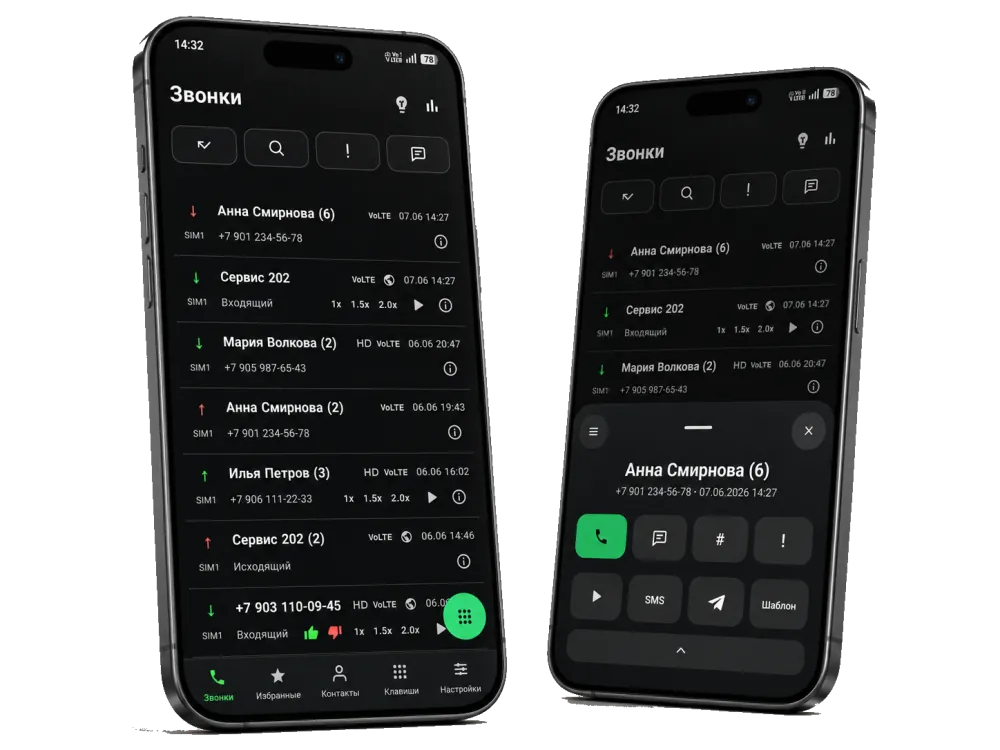
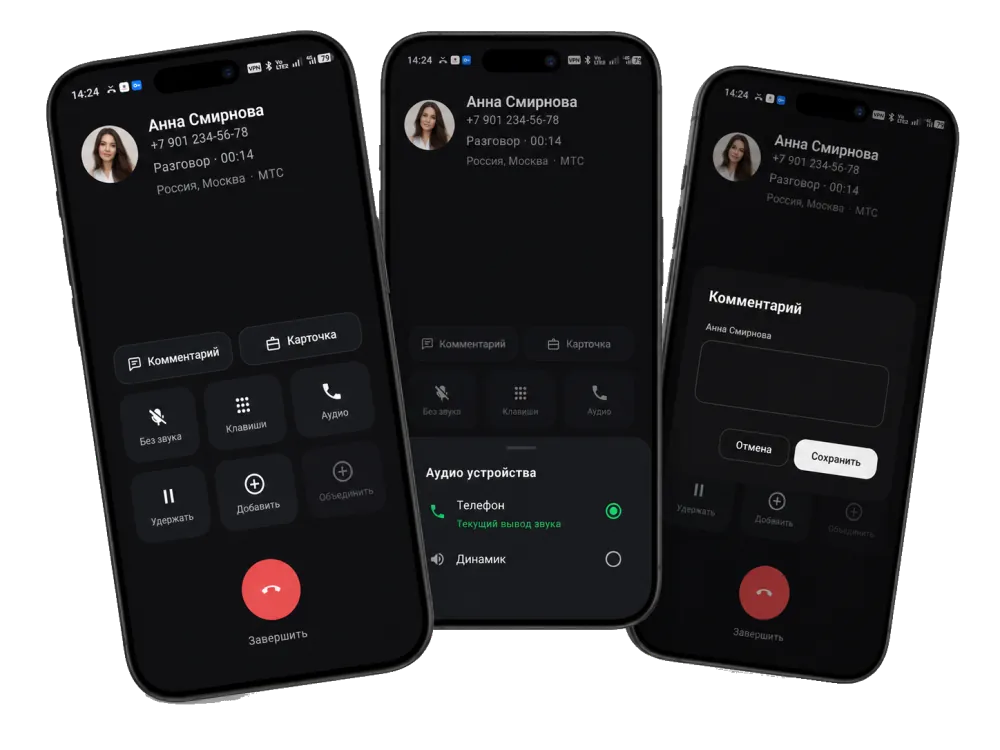
Set the SIM that calls use by default so you do not have to pick it manually every time. And if you turn selection off, the app simply asks for the SIM on a call and suggests the last one used.
Smart mode picks the SIM based on the last call with that contact. If you usually call a specific person from a certain SIM, the app suggests exactly that one — with no extra taps.
Choose the work SIM for ProZvonkiCRM: SIM 1, SIM 2 or both. Then only work calls go into the CRM, and personal calls from the other SIM do not clutter it.
FAQ
Yes. You can set the SIM that outgoing calls use by default so you do not have to pick it manually every time. If the option is off, the app asks for the SIM on each call, as Android usually does.
Smart selection picks the SIM based on the last call with that contact: if you usually call a person from the second SIM, the app suggests it automatically. This is handy when personal and work contacts use different SIMs.
Yes. In ProZvonkiCRM you can choose the work SIM: SIM 1, SIM 2 or both. Then only calls from the work SIM go into the CRM, and personal calls do not clutter it.
Yes. The call log can be filtered by SIM, and calls from a chosen SIM can be hidden from the log. A callback can also be counted only when it is from the required SIM.
If outgoing SIM selection is off, the app asks for the SIM on each call and suggests the last one used. If you enable a chosen or smart SIM, the extra prompt does not appear.