
Incoming SMS arrive in your inbox
Copies of incoming messages are sent to the email address you specify. Handy if you want to see important SMS on a computer, keep them in your inbox or duplicate them to a work address.
SMS forwarding to email
ProZvonki can forward incoming SMS to your email: separately by short numbers, full numbers and alphanumeric senders. Messages go to your own inbox, and the app's developer does not receive them. It is a powerful but sensitive feature — use it carefully.
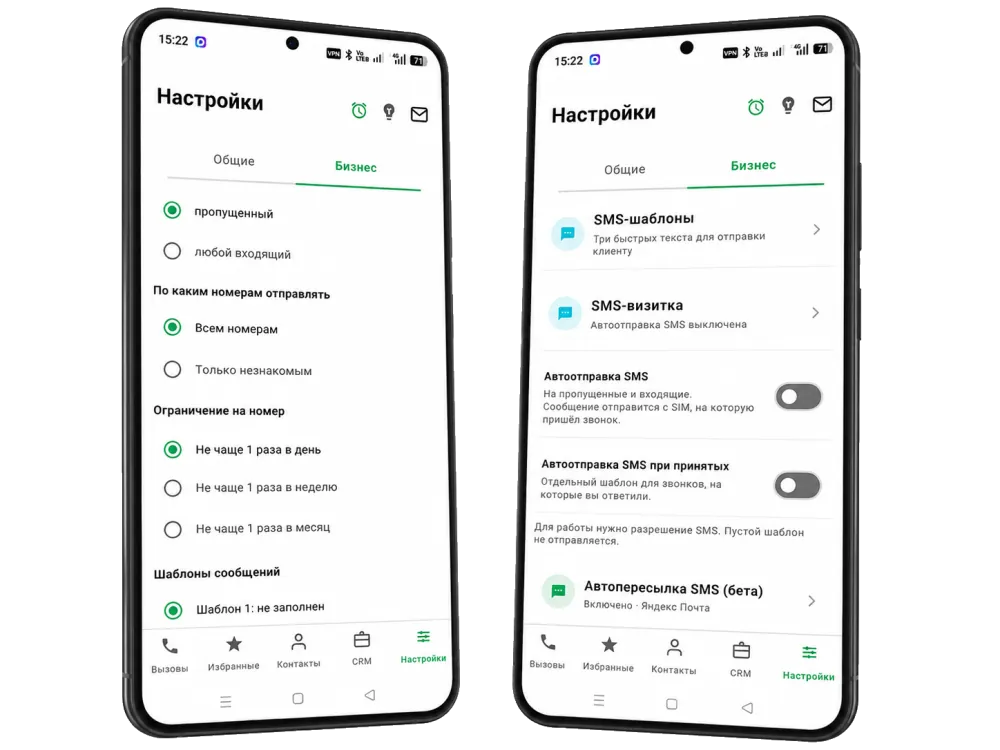
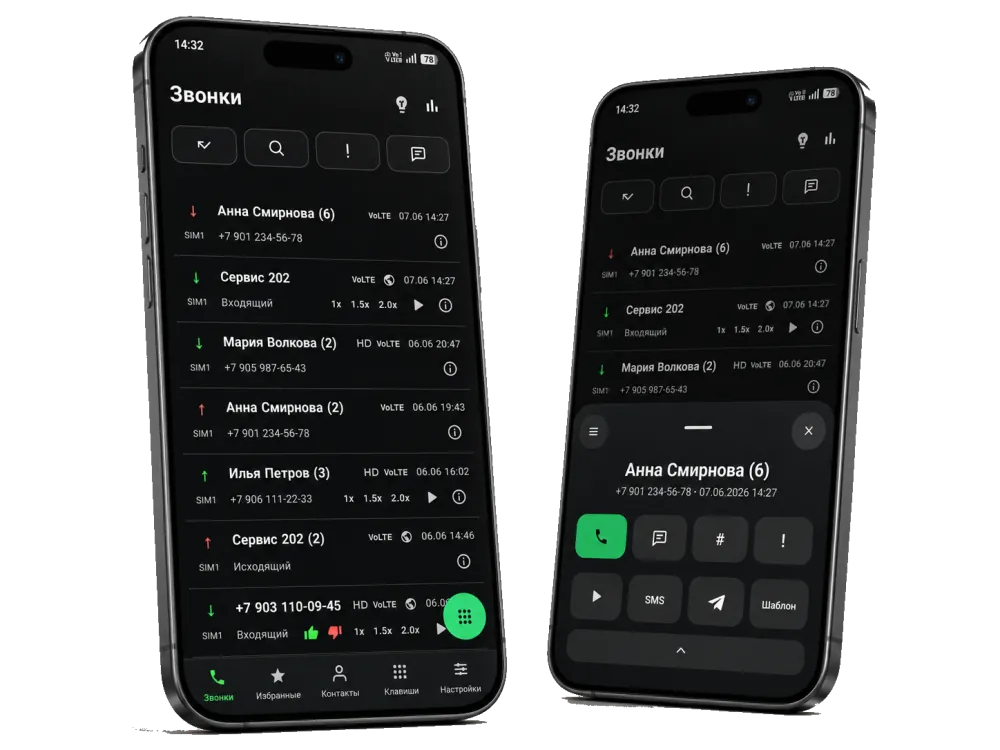
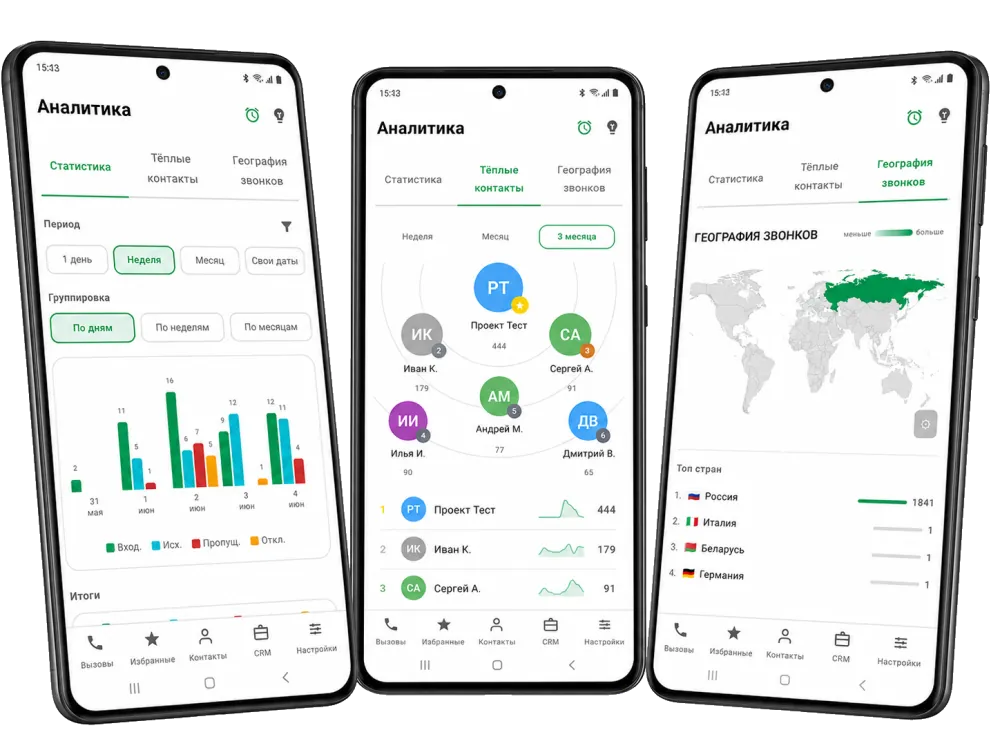
Important — use with care. SMS often contain sensitive data: verification codes, banking notifications, private correspondence. Enable forwarding only if you understand the risks, use a secure personal inbox and do not forward other people's messages without consent.
Copies of incoming messages are sent to the email address you specify. Handy if you want to see important SMS on a computer, keep them in your inbox or duplicate them to a work address.
Your own inbox is used — the app only lets you set up sending to it. The ProZvonki developer does not receive or store your SMS: messages go to your email, not to someone else's servers.
SMS forwarding is a sensitive feature. Verification codes and banking notifications can be forwarded through it, so use only a secure personal inbox, do not set it up on other people's devices and do not forward other people's messages. The feature is available in the RuStore edition as a beta capability.
FAQ
It is a feature that sends a copy of incoming SMS to an email address you specify. Handy when you want to see important messages on a computer or keep them in your inbox.
Yes. Sources are selected separately: short numbers, full numbers and alphanumeric (named) senders. You can enable only the categories you need and not forward the rest.
No. Your own email is used — the app only lets you set up sending to your inbox. The ProZvonki developer does not receive or store your messages.
This feature must be used with maximum care. SMS can contain sensitive data — verification codes, banking notifications, private correspondence. Enable forwarding only if you understand the risks, use a secure personal inbox and do not forward other people's messages without consent.
The feature is available in the RuStore edition as a beta capability. In the Google Play edition SMS forwarding to email is disabled.