
Dark theme and AMOLED
Turn on a dark theme or choose an interface scheme: light, dark or AMOLED with a deep black background. AMOLED saves battery on OLED screens and is easier on the eyes in the dark.
Themes and appearance
ProZvonki can be customized to your taste: a dark theme and AMOLED, 10 ready-made themes, accent colors, list or card view and a clean screen mode that removes extra log elements. The dialer looks exactly the way you want.
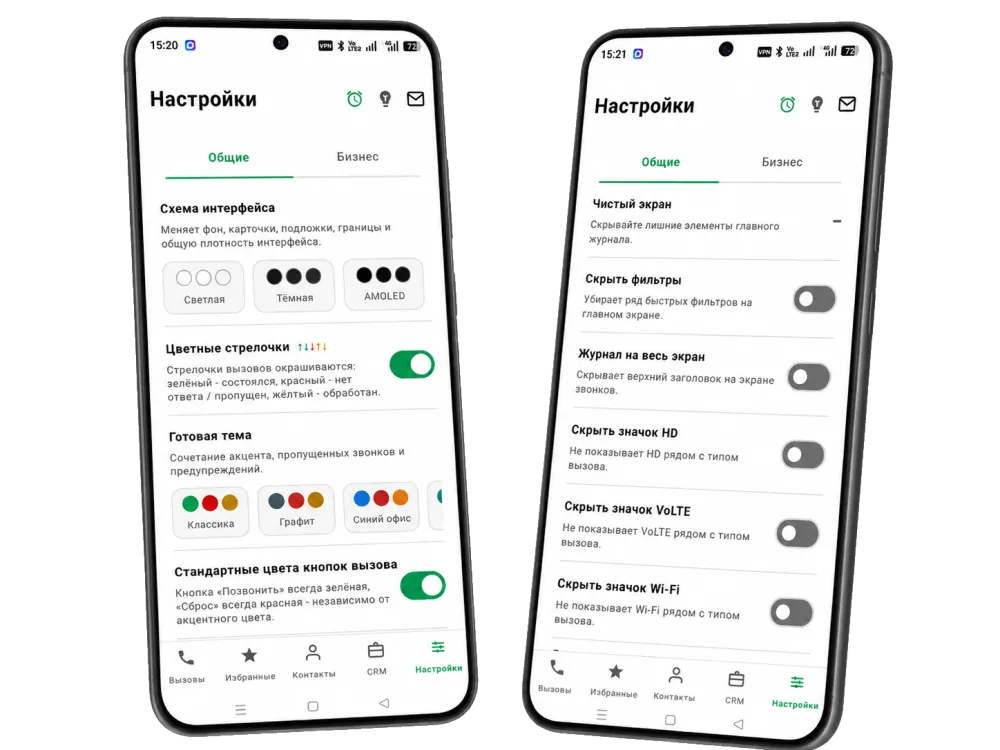
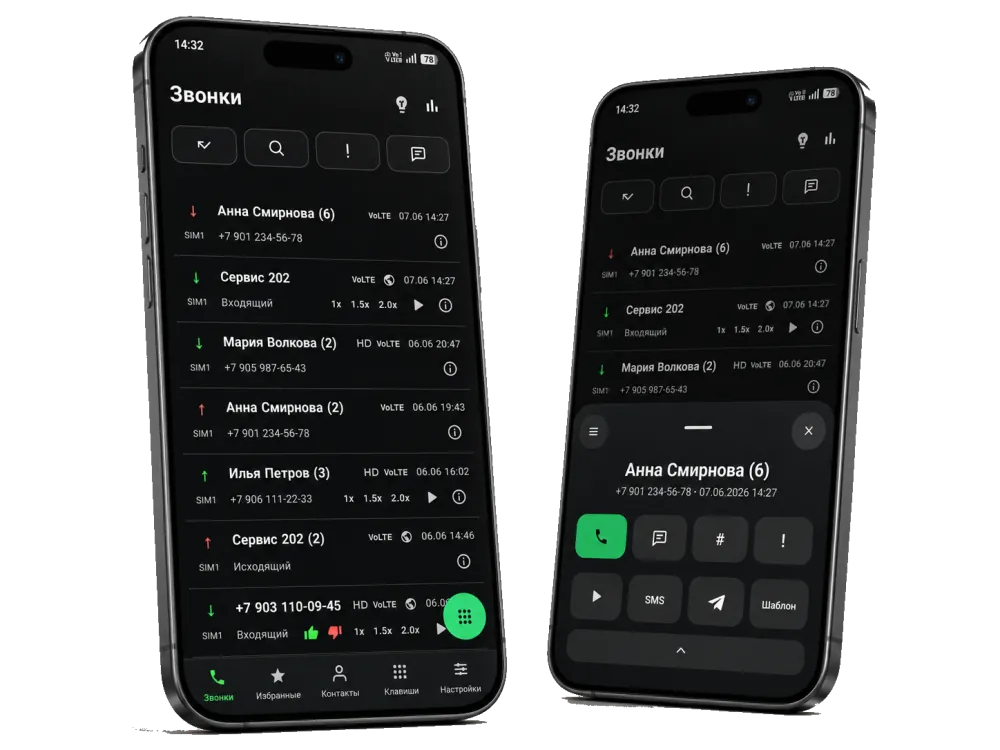
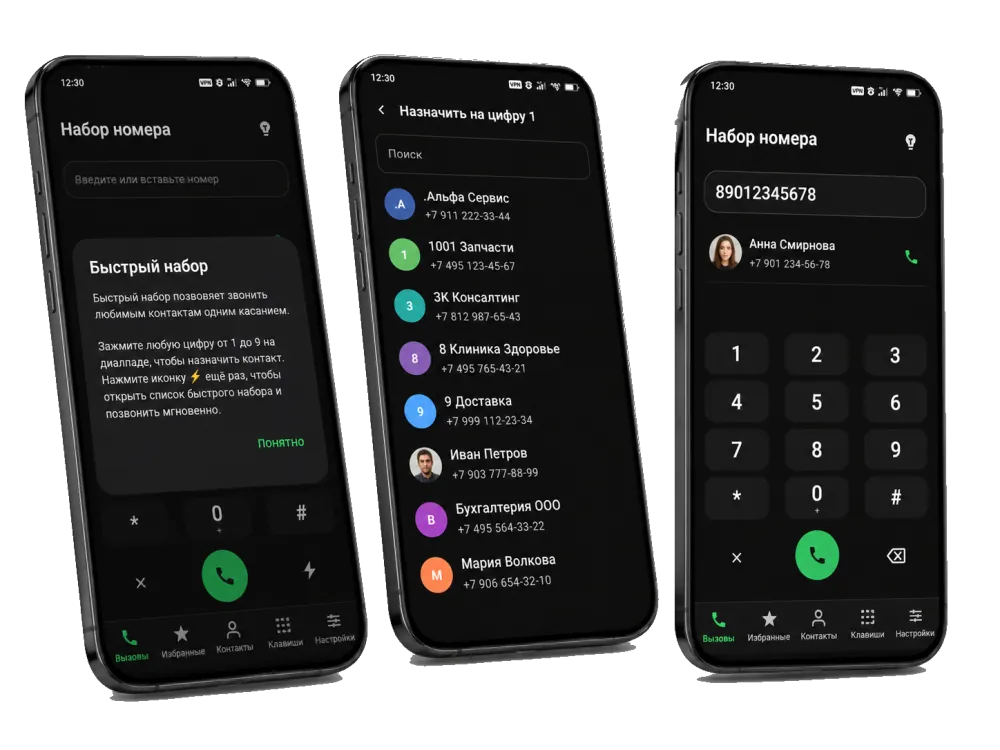
Turn on a dark theme or choose an interface scheme: light, dark or AMOLED with a deep black background. AMOLED saves battery on OLED screens and is easier on the eyes in the dark.
Choose from 10 ready-made themes — Classic, Graphite, Blue Office, Teal, Contrast, Warm, Purple and others. You can set an accent color and enable colored call arrows: green for connected, red for missed, yellow for handled.
The log and lists can be shown as cards or as a compact list where items are separated by a thin line. The list takes up less space and fits more calls on the screen.
FAQ
Yes. You can turn on a dark theme and choose an interface scheme — light, dark or AMOLED with a deep black background that saves battery on OLED screens.
There are 10 ready-made themes — for example Classic, Graphite, Blue Office, Teal, Contrast, Warm, Purple and others. Each sets a combination of accent, missed-call color and warnings.
Yes. Besides the ready-made themes you can set an accent color, enable colored call arrows and keep the “Call” and “Hang up” buttons in the standard green and red.
Yes. There is a “List view” mode: items are separated by a thin line instead of cards across the whole app, making the log more compact.
It is a set of options that hide extra elements of the main log: quick filters, the top header and the HD, VoLTE, Wi-Fi, SIM number and info icons. The call screen becomes minimal.