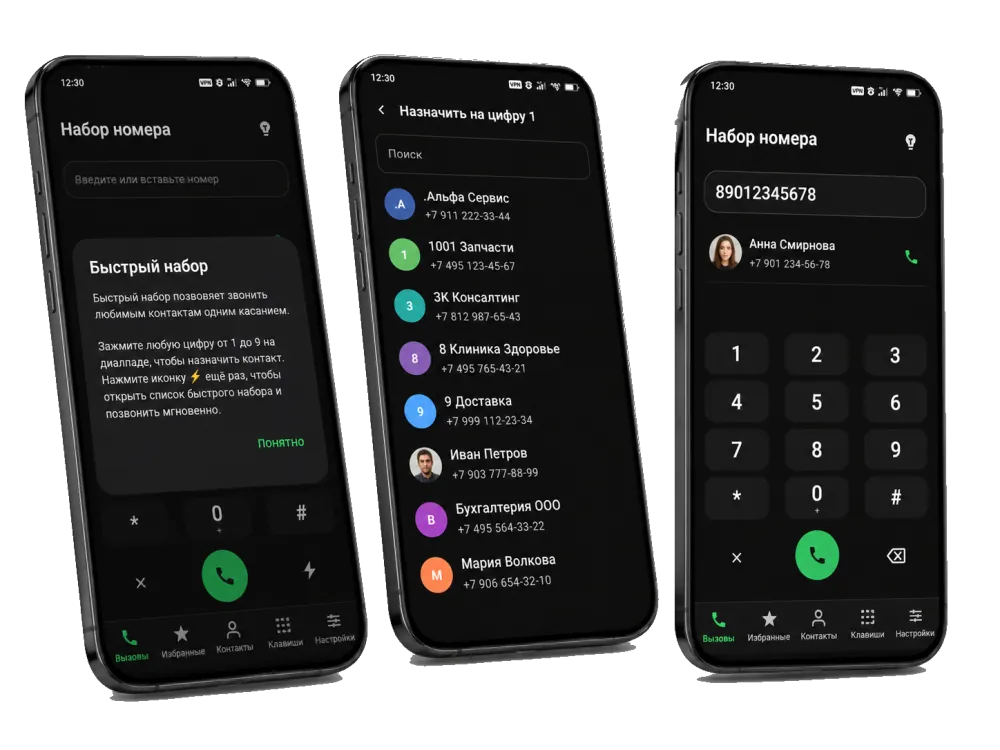
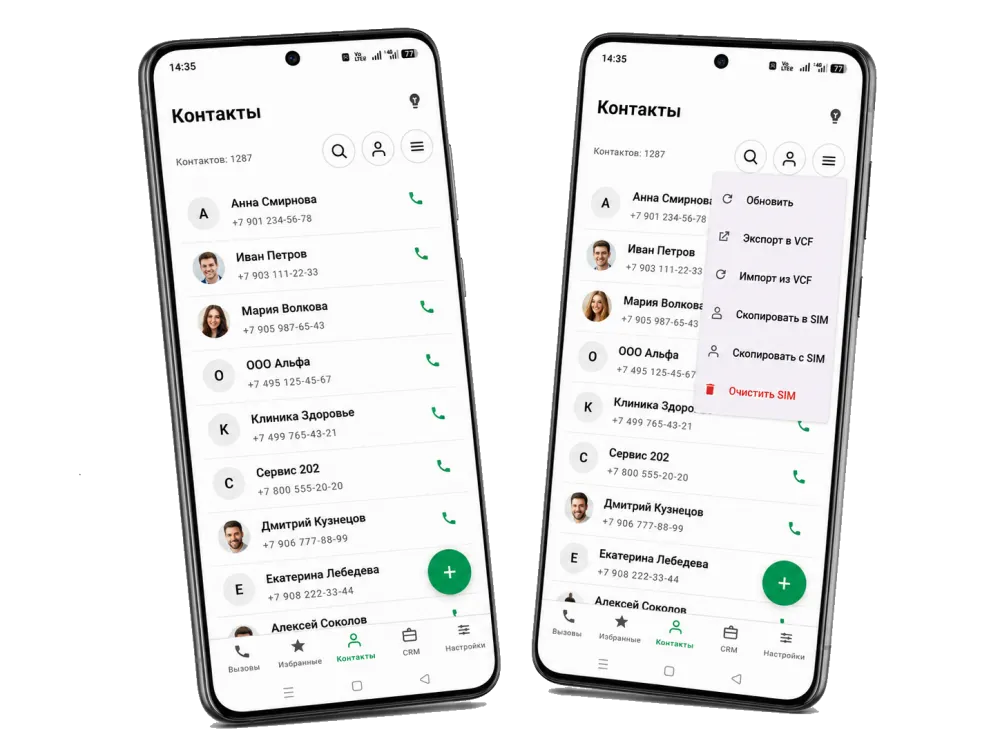
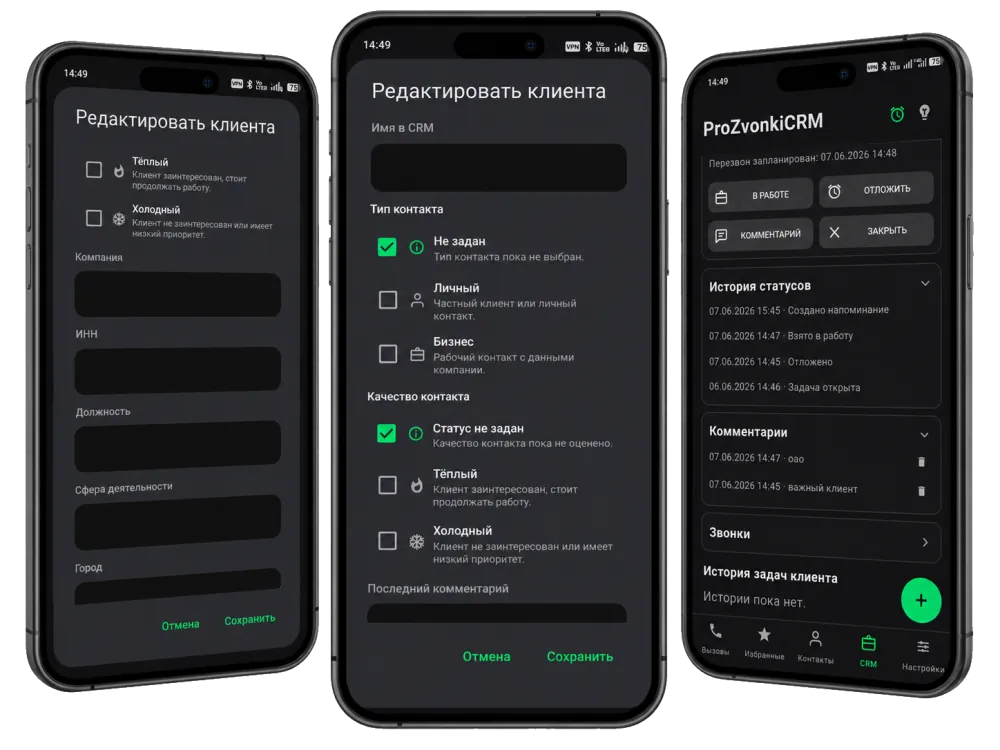
In ProZvonki you can call and work with contacts by voice: dial a number on the dialpad, find a contact by name and even dictate a comment in the CRM. It is handy when your hands are busy or you are driving — call and take notes without typing manually.
Dial a number by voice on the dialpad
No need to type digits manually: say the number and ProZvonki fills it in on the dialpad for the call. It is faster and more convenient, especially when a number is read out loud or you do not want to look at the screen.
Search contacts by voice
Say a name and the app finds the right person in your contact list. Voice search helps you reach someone quickly without scrolling through a long list by hand.
Dictate comments in the CRM
Right after a conversation you can dictate a comment on a call or a client card by voice. The context is captured while it is still fresh, and you do not have to type it manually.
When your hands are busy
Voice input helps when driving, on the go or when your other hand is busy: you can call, find a contact and record a comment without reaching for the keyboard.
It is the ability to dial a number and find the right contact by voice instead of typing. Just say the number or a name and the app fills it in for the call, so you do not have to use the keypad.
Can I search contacts by voice?
Yes. Voice input works not only on the dialpad but also in contact search: say a name and ProZvonki finds the right person in your list.
Can I dictate a comment in the CRM?
Yes. You can dictate a comment on a call or a client card by voice — convenient right after a conversation, when typing is inconvenient or there is no time.
When is voice dialing useful?
When your hands are busy or you are driving: you can call, find a contact and record a comment by voice without looking at the screen or typing manually.
How does speech recognition work?
Voice input uses your Android device's built-in speech recognition — the same one used by other apps that support voice input.