
An automatic SMS after a call
Even if you could not answer, the caller still gets a message. After a missed call you can automatically send a business card with your contacts, a link or a short “I will call you back” so you don't lose leads.
SMS business card
ProZvonki can automatically send an SMS after a call: a business card with your contacts for a missed call, a short “I will call you back” or a message to a client. You choose when and whom to send to, set a per-number limit and use ready-made templates — and the message is sent from the SIM that received the call.
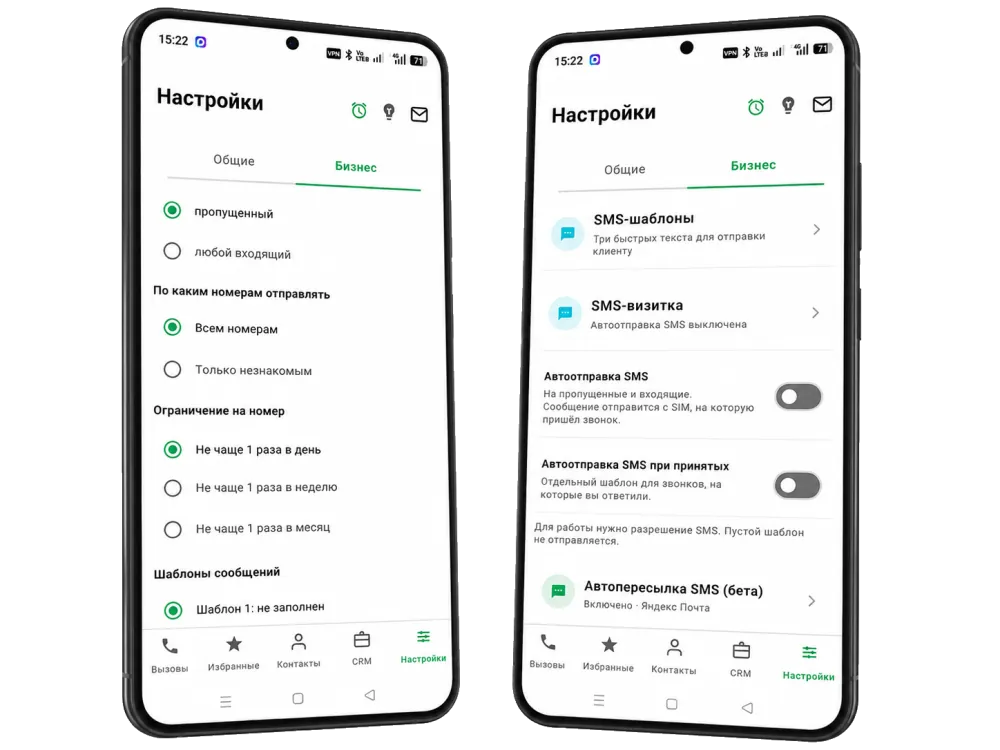
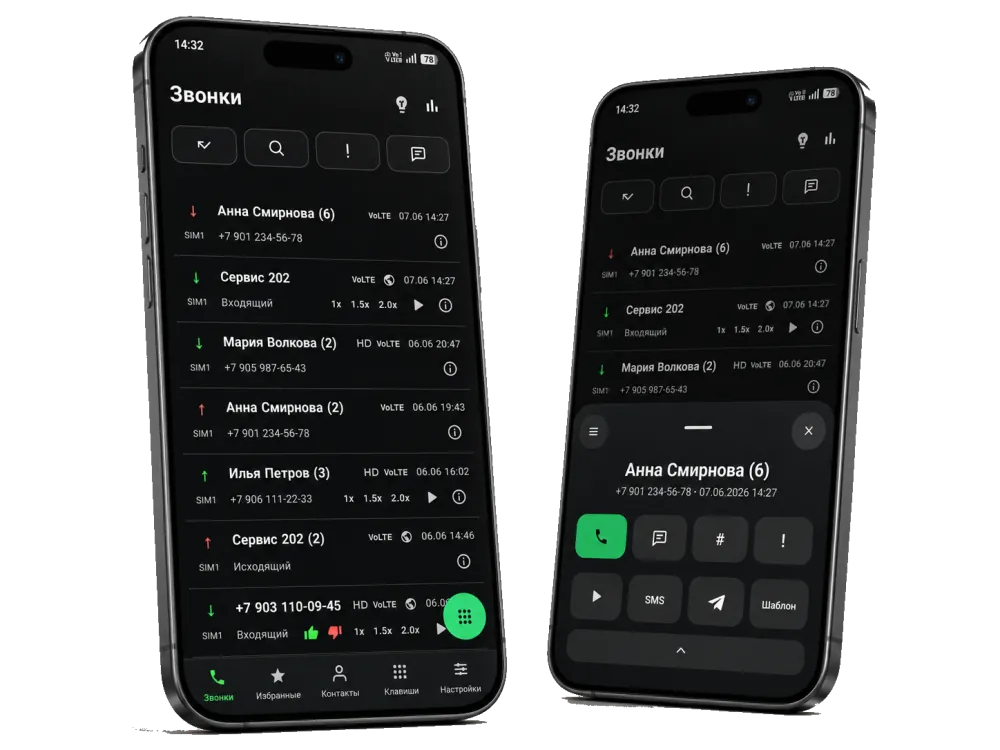
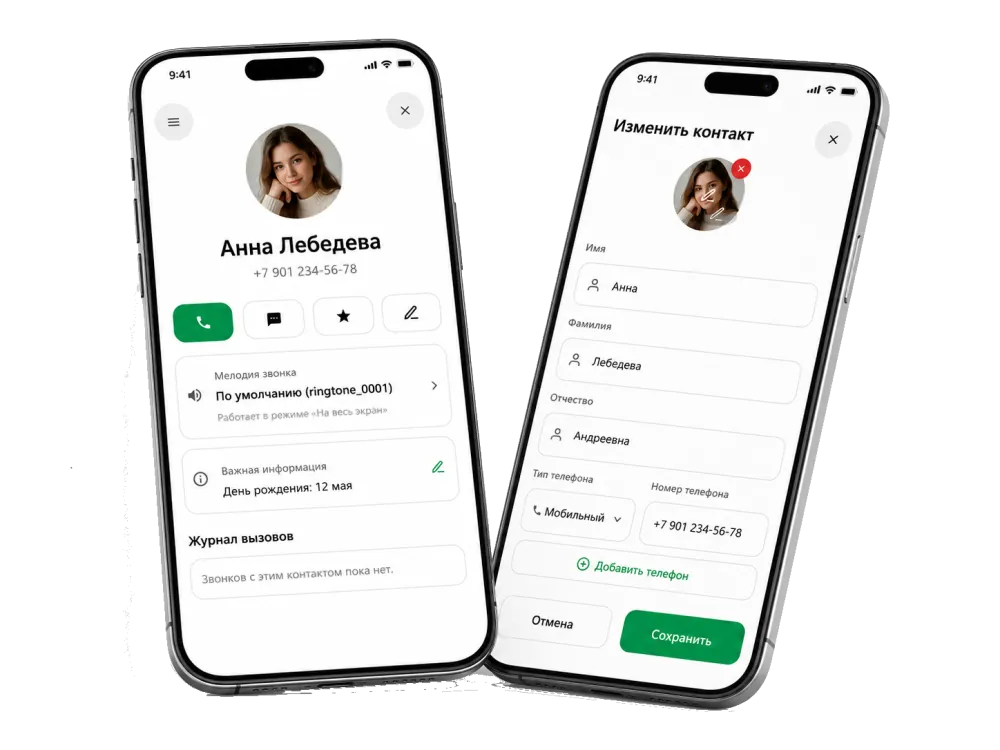
Even if you could not answer, the caller still gets a message. After a missed call you can automatically send a business card with your contacts, a link or a short “I will call you back” so you don't lose leads.
Send to all numbers or only to unknown ones that are not in your contacts. A per-number limit — no more than once a day, week or month — protects against sending repeatedly to the same person.
Prepare up to three quick texts in advance and use them for the business card and replies to clients. Templates help you answer consistently and quickly, without typing the message from scratch each time.
FAQ
It automatically sends an SMS after a call using a chosen template. For example, after a missed call it can automatically send a business card with your contacts or a short “I will call you back”. The SMS is sent from the SIM that received the call.
Yes. You can choose when to send: for any incoming call, only for a missed call or only for an answered call. Answered calls can use a separate template.
Yes. In the settings you can choose who to send to: all numbers or only unknown numbers that are not in your contacts. That way the card does not go to people who already know you.
There is a per-number limit: no more than once a day, week or month. This protects against sending repeatedly to the same person when they call often.
The message is sent from the SIM that received the call. The feature needs SMS sending permission, and an empty template is not sent.